
Cynthia Tools - Picture Event Binder(RPG Maker MZ Plugin)
A downloadable tool
CT_PictureEventBinder – Picture Buttons for RPG Maker MZ
--------------------------------------------------------
CT_PictureEventBinder turns any Show Picture image into a powerful UI button for your RPG Maker MZ projects.
Bind Common Events, Map Events and Troop Event Pages to pictures, add hover/press visual feedback, tooltips, enable/disable states and button sounds – all without writing any JavaScript. Perfect for custom menus, in-game tools, crafting screens, debug panels, and more.
✨ Core Features
----------------
• Picture → Common Event
Bind any picture to a Common Event.
Great for custom menus, system buttons, toggle options, and debug tools.
• Picture → Map Event
Trigger an existing Map Event’s command list (active page or specific page).
Reuse your event logic without duplicate copy-paste.
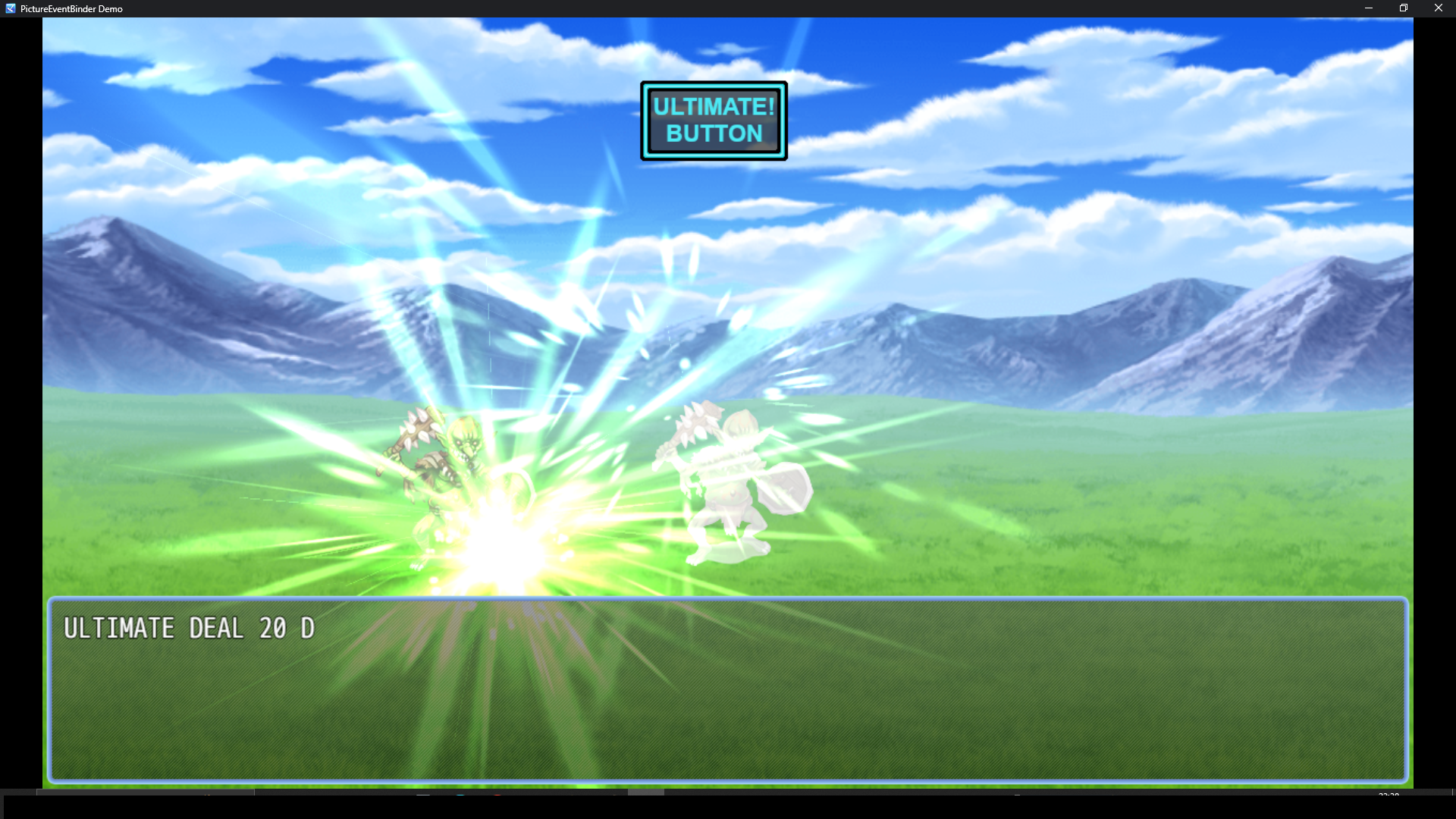
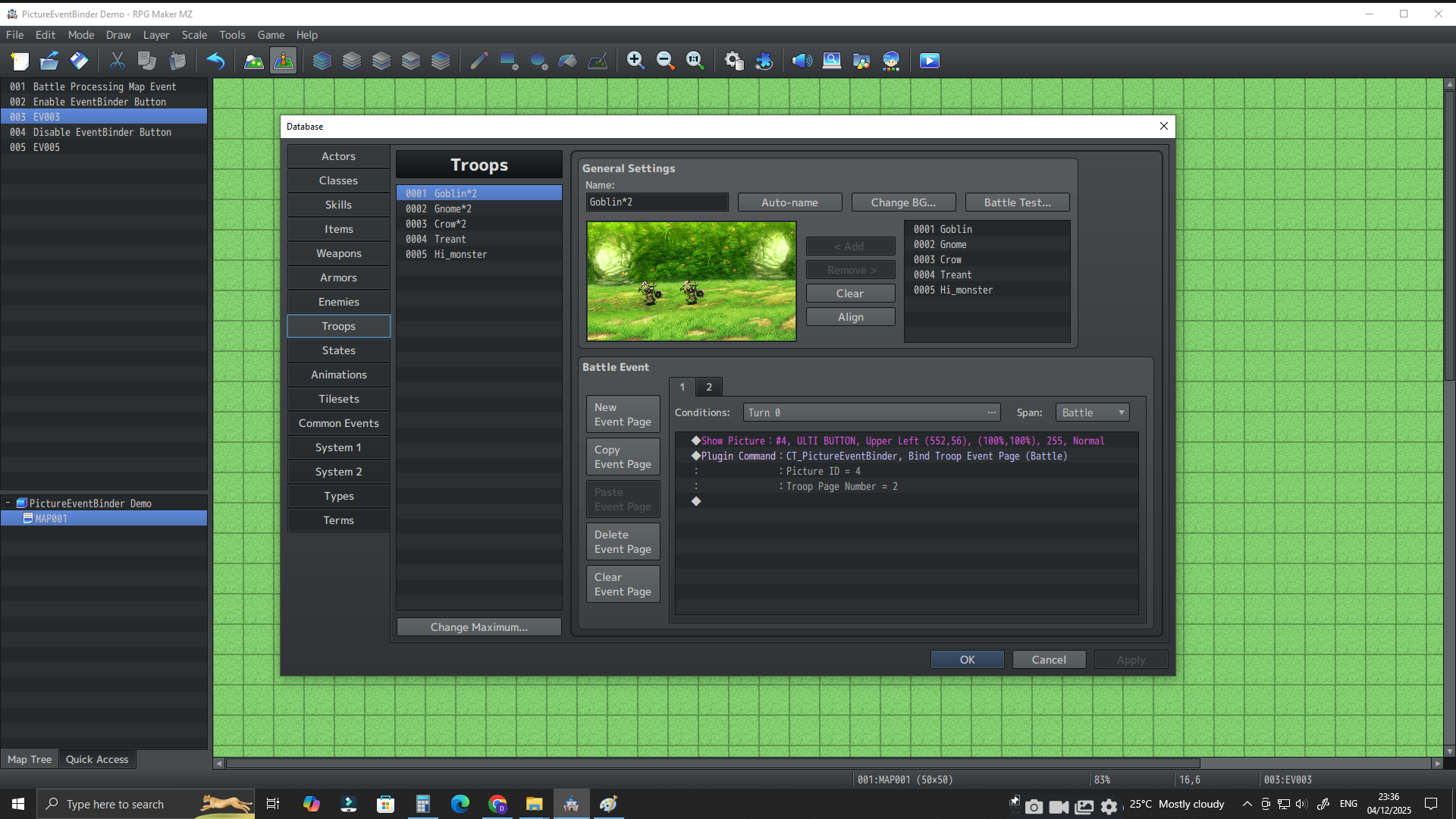
• Picture → Troop Event Page (Battle)
Bind a picture to a Troop Event Page in battle.
Create custom battle UIs, boss phase triggers, raid mechanics, and more.
• Hover & Press FX
- Hover: color blend + slight scale up.
- Press: color blend + small scale down for a few frames.
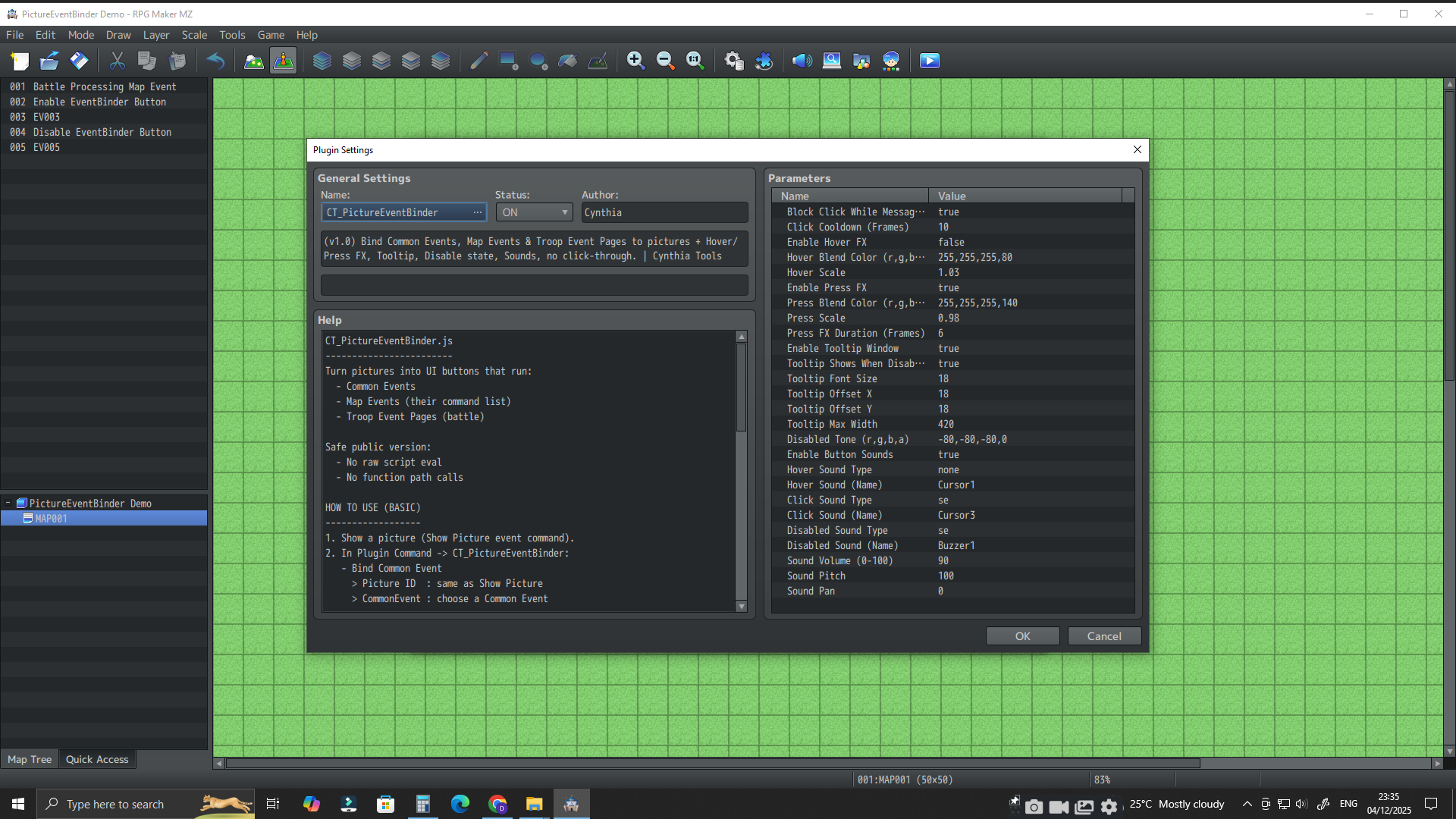
Everything is controlled via plugin parameters.
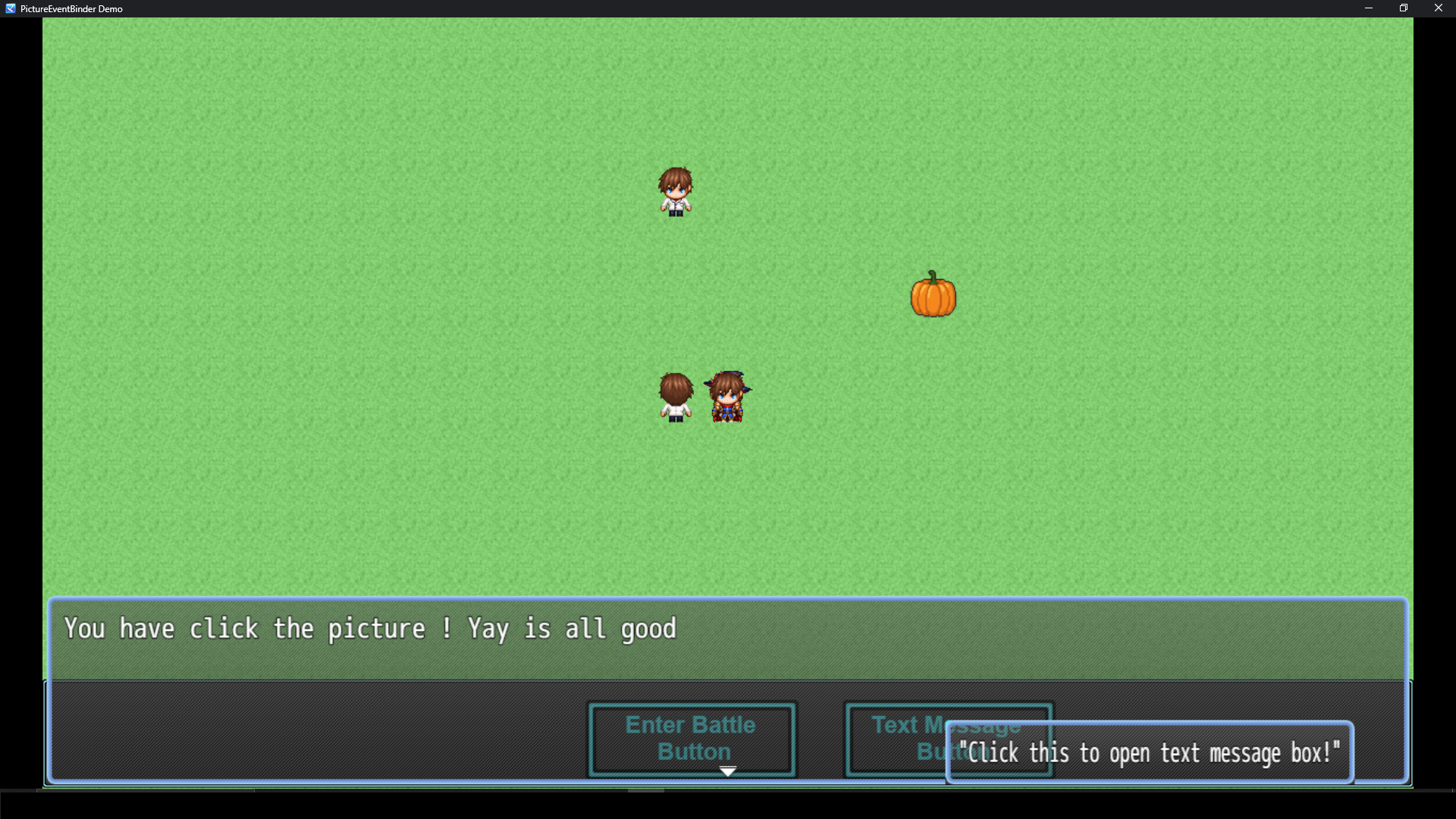
• Tooltip Window
- Show a tooltip near the mouse when hovering over a picture.
- Fully configurable offset, font size and max width.
Perfect for descriptive UI and “button hints”.
• Enable / Disable State
- Disable a picture to prevent clicks.
- Disabled pictures are tinted darker.
- A “disabled” sound can play when clicked (optional).
• Button Sounds
- Optional hover, click and disabled sounds.
- Use any SE/ME in your project.
- Volume, pitch and pan customizable via plugin parameters.
• No Click-Through
Clicking on a picture button will not make the player walk.
This makes picture-based UI feel like a real interface layer, not just decoration.
🧩 Designed for Non-Coders
--------------------------
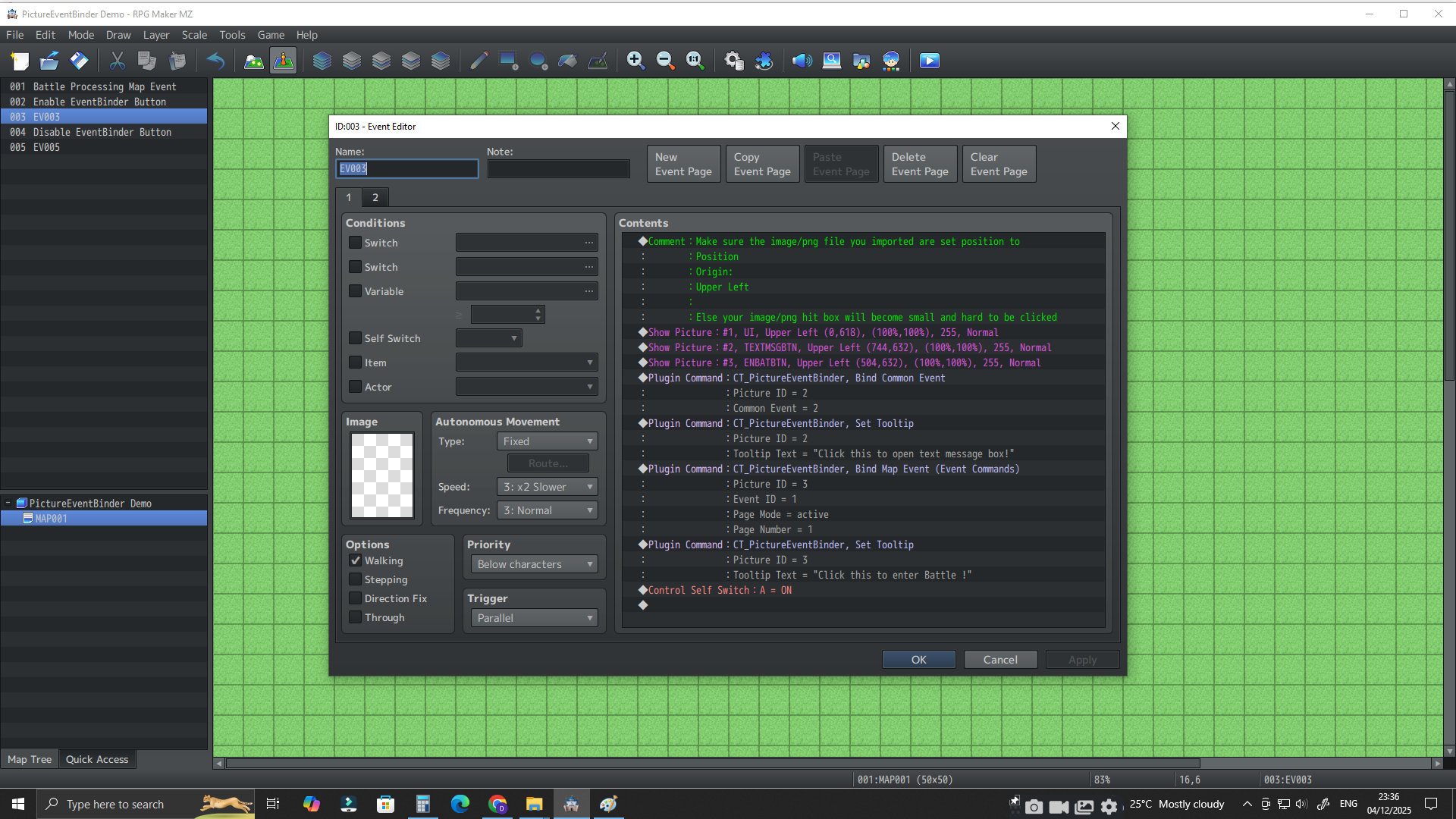
All setup is done through:
- Show Picture (default event command)
- Plugin Commands:
- Bind Common Event
- Bind Map Event
- Bind Troop Event Page
- Set Tooltip
- Set Enabled
- Clear Binding
No scripting required. If you can create events, you can build UI.
🧪 Example Uses
----------------
- Custom main menu or pause menu.
- In-game settings panel (audio, difficulty, etc.).
- Crafting / shop / upgrade interface.
- Dev/debug tools for testing systems quickly.
- Battle UIs (special skills, phases, toggles).
- In-engine “tool maker” projects using RPG Maker MZ as a UI framework.
📦 What’s Included
------------------
- `CT_PictureEventBinder.js` – the plugin.
- Demo project:
- Example maps showing picture buttons on map and in battle.
- Simple UI layout you can reuse.
- Documentation:
- Readme
- How To Use (step-by-step)
- Terms of Use & Disclaimer
💼 License & Commercial Use
---------------------------
- You can use this plugin in **free** and **commercial** RPG Maker MZ projects.
- You may edit it for your own game’s needs.
- You may not resell or redistribute the plugin itself as a standalone product.
Full details inside the included Terms of Use file.
💚 Created by Cynthia Tools
---------------------------
CT_PictureEventBinder is part of a growing toolkit aimed at making RPG Maker MZ more powerful and fun for non-coders.
If this plugin helps you, a rating or comment on itch.io would really mean a lot!
Purchase
In order to download this tool you must purchase it at or above the minimum price of $5.99 USD. You will get access to the following files:
Leave a comment
Log in with itch.io to leave a comment.